We are happy to announce that the Jeti REX Receivers have passed the FCC Certification testing. Phase one is now complete! We have submitted all of our paperwork and we are patiently awaiting approval!


We are happy to announce that the Jeti REX Receivers have passed the FCC Certification testing. Phase one is now complete! We have submitted all of our paperwork and we are patiently awaiting approval!
For a limited time ONLY, Buy a DS-16 or DC-16 Radio System from Esprit Model and receive a Jeti R6i AND R7 Duplex Receiver FREE .
This offer is not retroactive, eligible radios clearly marked “FREE R6i & R7 Receiver”
Expires July 6, 2015 at 24:00 EST US
Introducing the Jeti Central Box 400! The Central Box 400 is fully programmable switchboard with two independent, stabilized power voltage regulators designed for complete power and signal management of servos with great emphasis on safety. Watch this video for an up close look.
Take a look at Team Pilot Bob Belluomini after he maidens his beautiful Jet!
Take a look at this review from Jason Cole (RC Groups). It is on his new racing quad, and guess what he uses; the DS-14 and the MULi Sensor! Thank you Jason for the great write up!
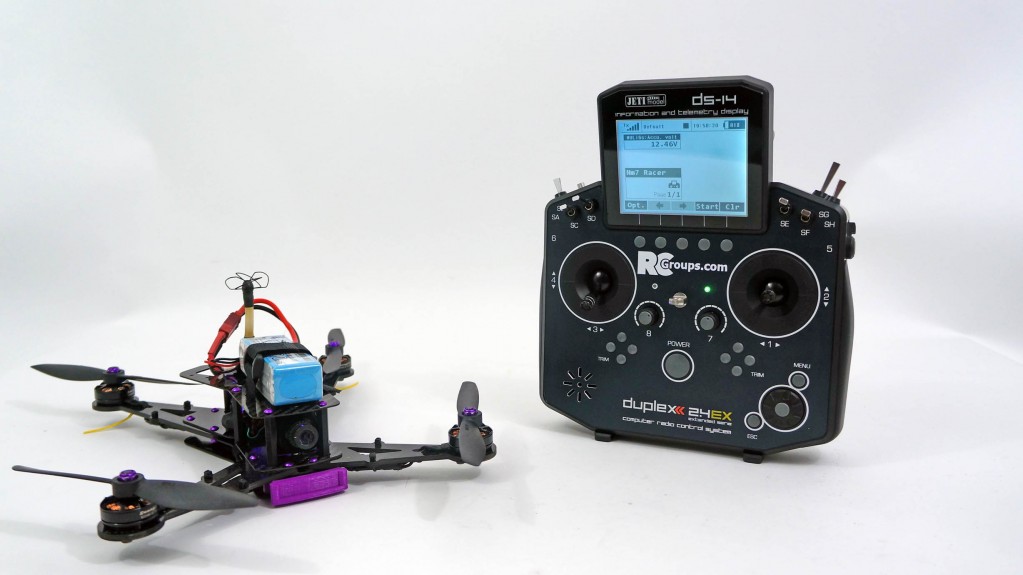
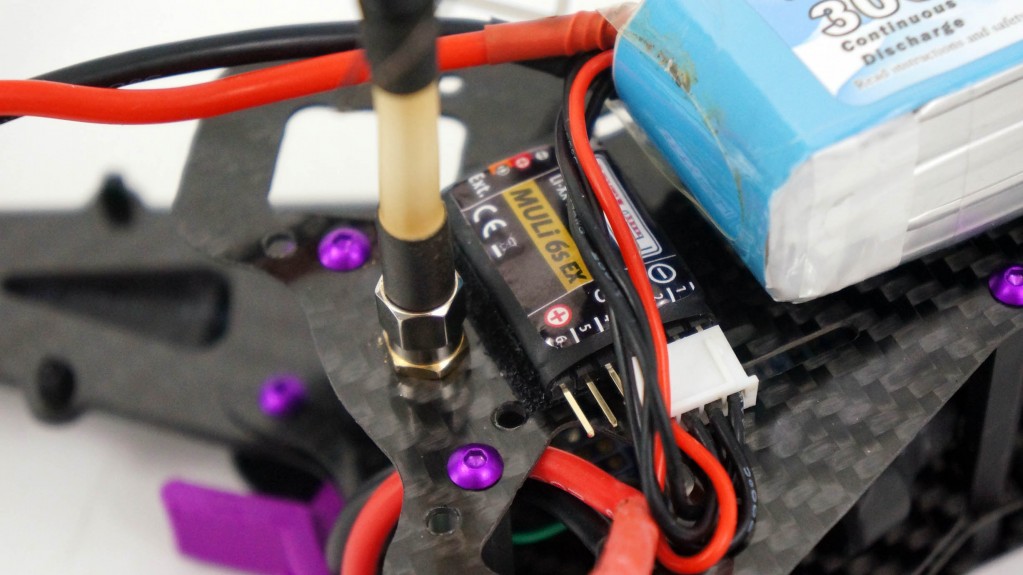
Check out C. Brent’s Boomerang Elan running a CB200, MBar, MGPS, and operating on a Jeti DS-16!
Contents: Boomerang Elan, Wren 100 i-Kero turbine, Jeti CB200 with RC switch, dual R3 receivers and dual 2100mAh LiFe packs, dual Jeti Mbar pressure sensors (brakes and gear), Jeti MGPS, Jet-Tronics proportional pressure valves, EvoJet smoke pump, TamJets UltraSpray smoke tube, Xicoy telemetry interface, PowerBox LightBox light controller, Jet-Tech split Kevlar tank (fuel and smoke), DreamWorks Pro-Link gear.
Hey guys, the Central Box 400 is now available to order! It is expected to ship the first week of July. Check it out.
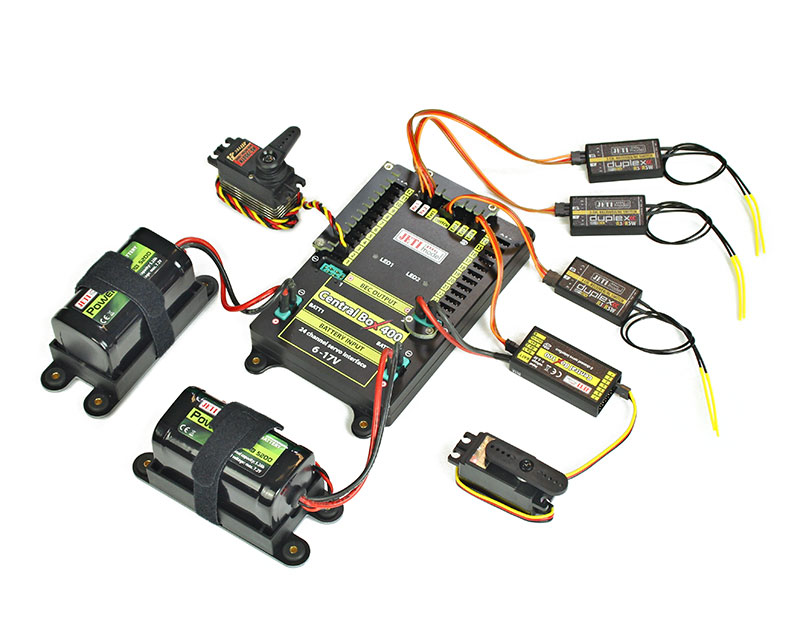
Keep an eye out for our next video release! Our next video showcases the Central Box 400, and will give you an up close and personal look at what it offers!

Setting up a model can be hard work, and often quite confusing. Follow along as Kasi shows you the basic programming menus. In this video she explains the “Function Assignment” screen, and the settings you will come across.
Setting up a model can be hard work, and often quite confusing. Follow along as Kasi shows you the basic programming menus. In this video she explains the “Servo Assignment” screen, and the settings you will come across.